How can I change or reset my password?
For the majority of users, Nettica does NOT store or manage your password. Thus, changing or resetting your Nettica VPN password depends on how you log into the Nettica VPN.
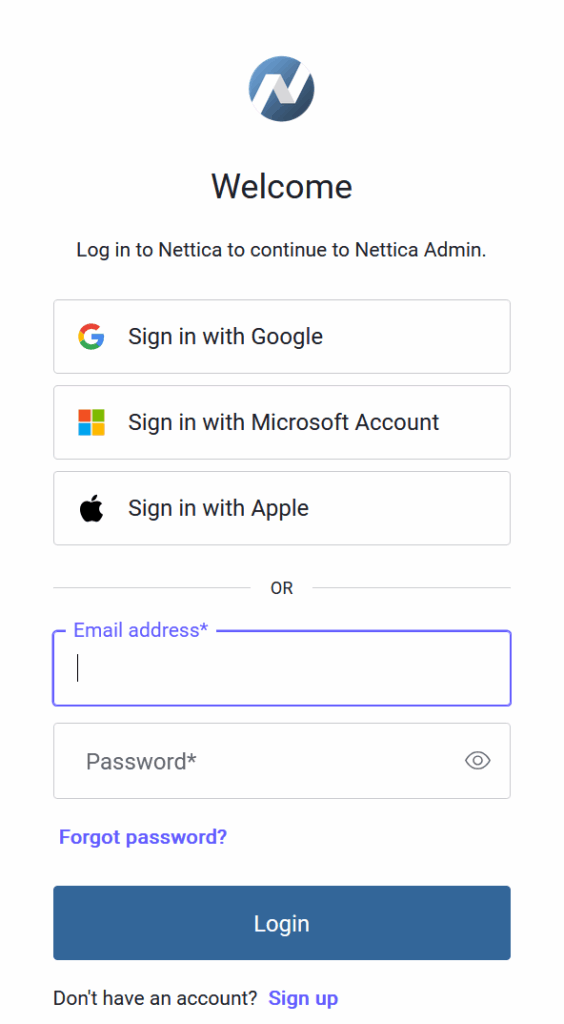
The Nettica VPN login gives you several options for login, and password management is different for each one.
For Apple, Google, and Microsoft, click on their login buttons as seen in the Nettica login screenshot below. To reset one of those passwords, click the “Forgot password?” link available on their login page and follow their instructions. Please be aware of that changing your password for those providers affects all of the services you have associated with that provider, possibly including your e-mail, or even devices like your phone, not just your Nettica login. If you can’t remember your password for one of those providers, you may want check with any password managers you may be using to recover it, rather than resetting your password.
If you are not using Google, Microsoft, or Apple to authenticate with the Nettica VPN, then your password is managed by us. Click on the “Forgot password?” link on the Nettica login page to receive a password reset email. Be sure to check your spam folder if it does not arrive promptly. Please note that you will not receive a password reset email if the account was not created through our OAuth2 provider. However, changing your password through our password reset email only affects your login to our service, and not any other services or devices.
If you have any questions or encounter any problems, please contact us at support@nettica.com and we will do everything we can to help you.